
Random Draw Application
Random Draw is a windows base application that will randomly draw numbers of a range between 1 -990. The application is built based on Windows Universal Application and C# framework. The application provides more than what most drawdown applications have today.
Key Features:
V1.0.18
- Number settings that will allow you to add in the number of tickets manually from 1 – 999
- Auto draw setting that will allow you to set a number that that the time to draw(minutes) will draw down to and stop.
- Import of numbers that will allow you to import a list of numbers that can have Insurance, and a Name associated with them.
- Export of the files drawn and which files are left to be draw to a text file that can be used for reviewing as an audit as to what has been done.
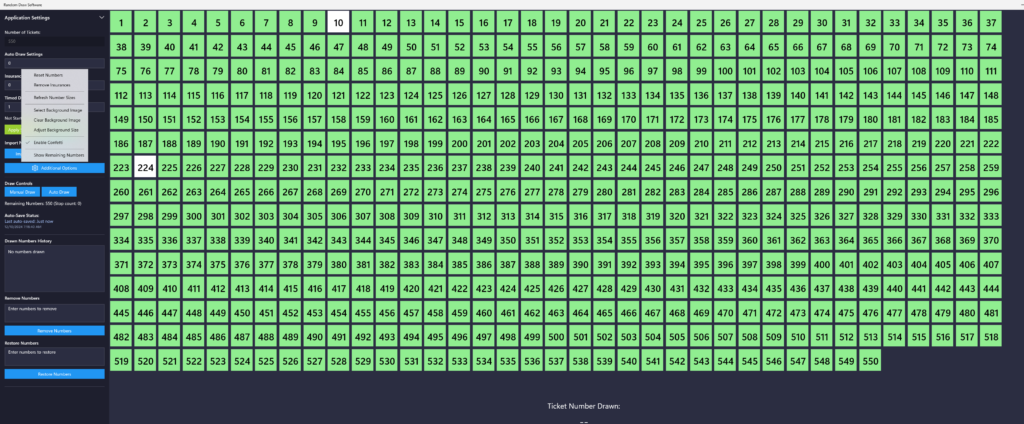
- Background image selection that will allow you to set the background behind the numbers to be drawn and option to clear the image.
- Apply setting button that will be used when making changes to the numbers, auto draw setting, timed draw settings.
- Reset numbers option that will reset the entire board back to original state and will prompt to make sure that you want to make that change.
- Refresh numbers button that will refresh the size of the numbers on the screen that can sometime seem off to people.
- Draw controls that will allow you to auto draw numbers that or manually draw numbers.
- Two options to remove or restore numbers back to the screen. This can be used if some numbers are not sold and need to be removed.
- Auto save feature that will auto save the state of the board every minute and if for some reason you close the board it will ask on startup if you want to restore. This will keep up to 24 hours.
- Draw numbers history, will give you a section that will display a history of numbers/names that have been draw.
- The numbers on the screen will auto-size to fit the screen as they are being removed to make it easier to read.
- Numbers with insurance will have a different color on the ticket square.
- Remove all insurance button that will remove any tickets with insurance if you want them to.
- Hoover over a ticket number and it will display the name assigned to the ticket.
- Click a ticket number to either remove the ticket or insurance.
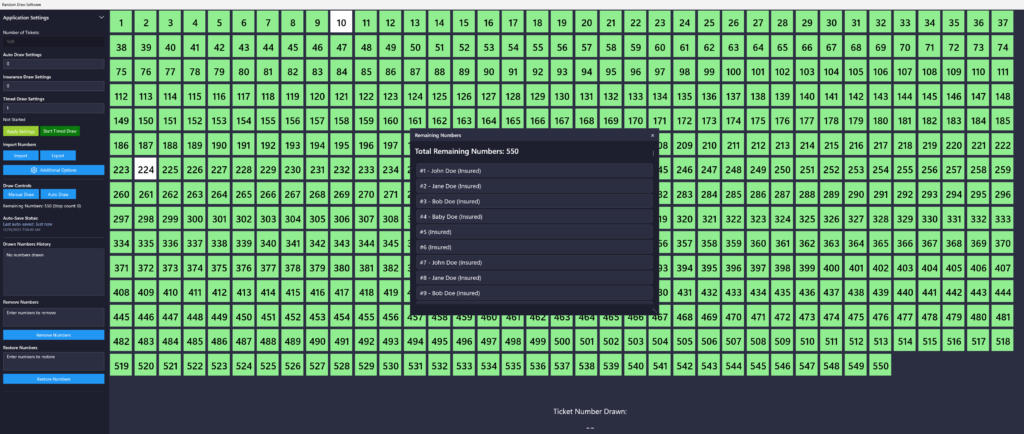
- Added a remaining numbers report that will show you list of numbers left and the names assigned to them.
If you want to upload your own numbers that might have insurance and name, use the following structures.
Numbers and Names Example: It will always be the Ticket Number comma Name
1, John Doe
2, Jane Doe
Numbers with Insurance and Names Example: It will always be the Ticket Number followed by the letter “I” comma Name
1I, John Doe
2I, Jane Doe
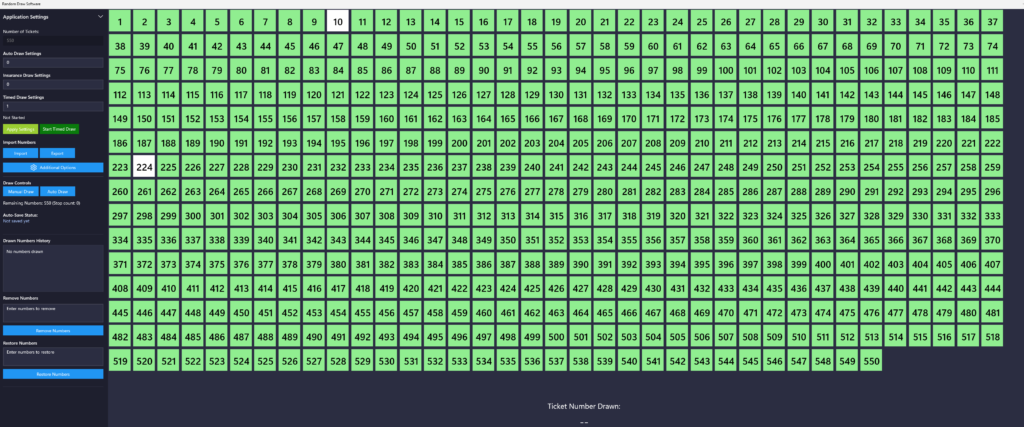
Images of the application
Contact
douglas.harris@dwharris.co